Written by Yaleena Bridges
If your brain feels like 45 open tabs, these apps might just help you close a few.
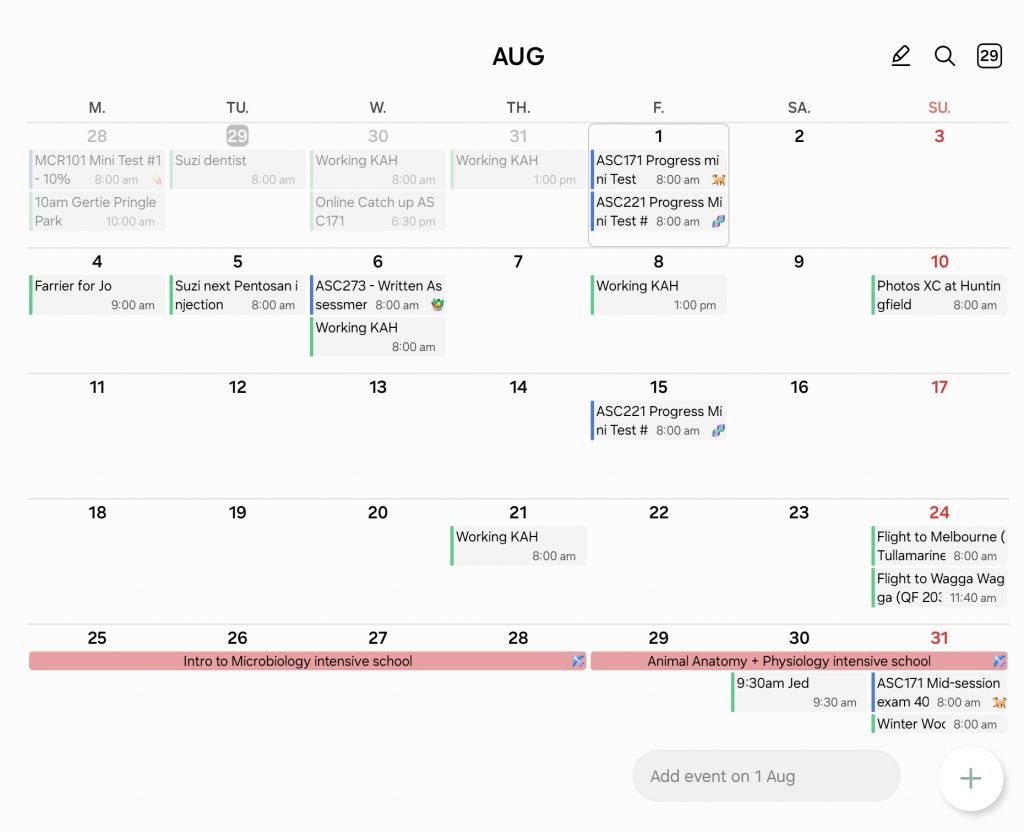
📅 1. Calendar (Google/Samsung/Apple)
Probably my most used app is my calendar app. I add everything in from assignments to appointments and special events. I colour-code specific events and have my subjects in different colours to make it visually easier to track, and I sync it across devices, so I never miss anything—whether I’m checking my phone on the go or on my laptop.
Tip: At the start of each session, I add all my assignments, exams, and tests into my calendar so I make sure I never miss that deadline and I can visually see when things are due.
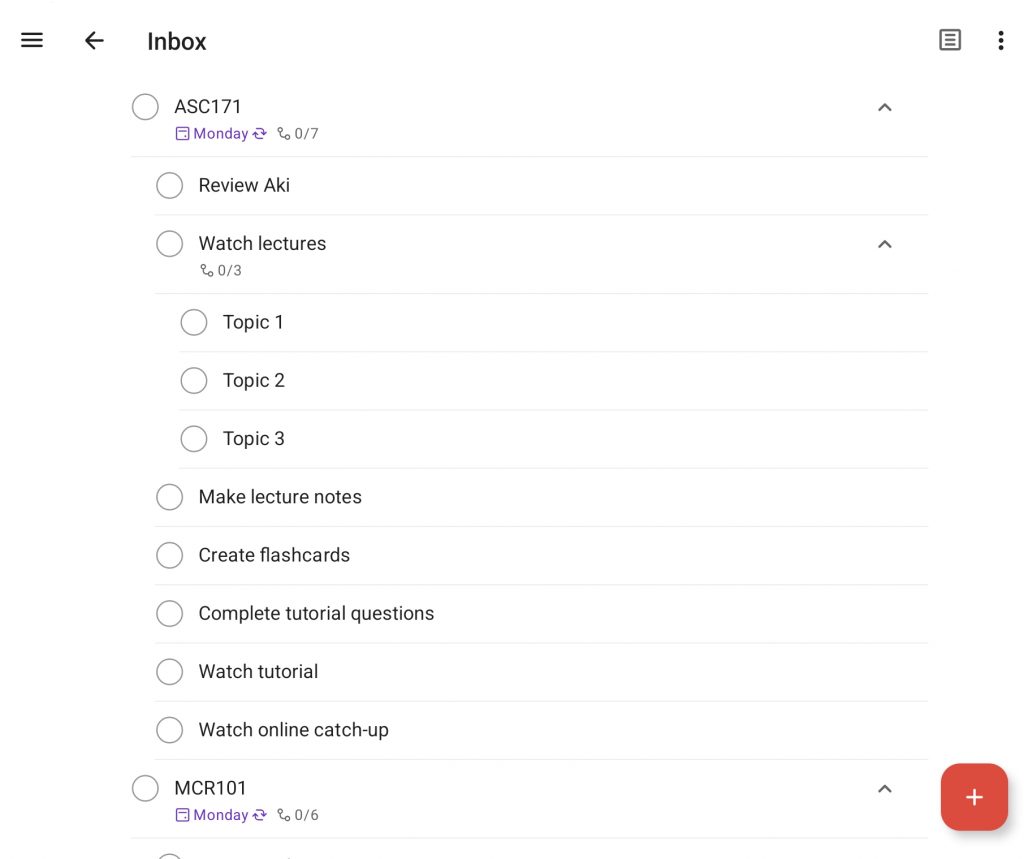
✅ 2. Todoist
I use Todoist it to break big tasks (like assignments) into smaller steps (e.g. research, writing, editing) and tick them off as I go. I also use it to ensure I am keeping up to date with all my subjects by setting a recurring task for watching lectures, making notes, and watching tutorials for each subject so I don’t get left behind. It’s super clean and easy to use, and there’s something satisfying about checking things off your list.
Bonus: You can use the app on all devices or the online version so you can always tick off those tasks when they get done!
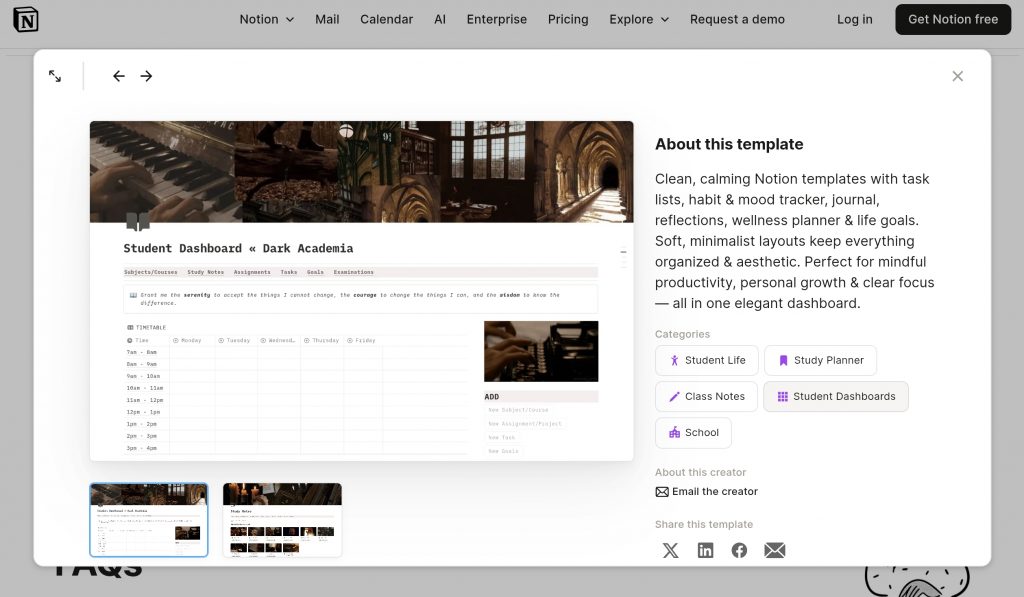
🧠 3. Notion
I Notion to track everything from lecture notes and assessment checklists to study logs and goal trackers. It’s super customisable, which can be overwhelming at first, but once you find a layout that works for you, it becomes your ultimate uni dashboard. You can embed PDFs, link pages, add checklists, and even build a study planner that fits your vibe. It’s especially handy for visual learners and people who like everything in one tidy workspace. Only downside, I spend more time making it look aesthetic, and less time actually being productive.
Tip: There are heaps of Youtube videos and websites on all the tips and tricks, as well as templates to help you get started.
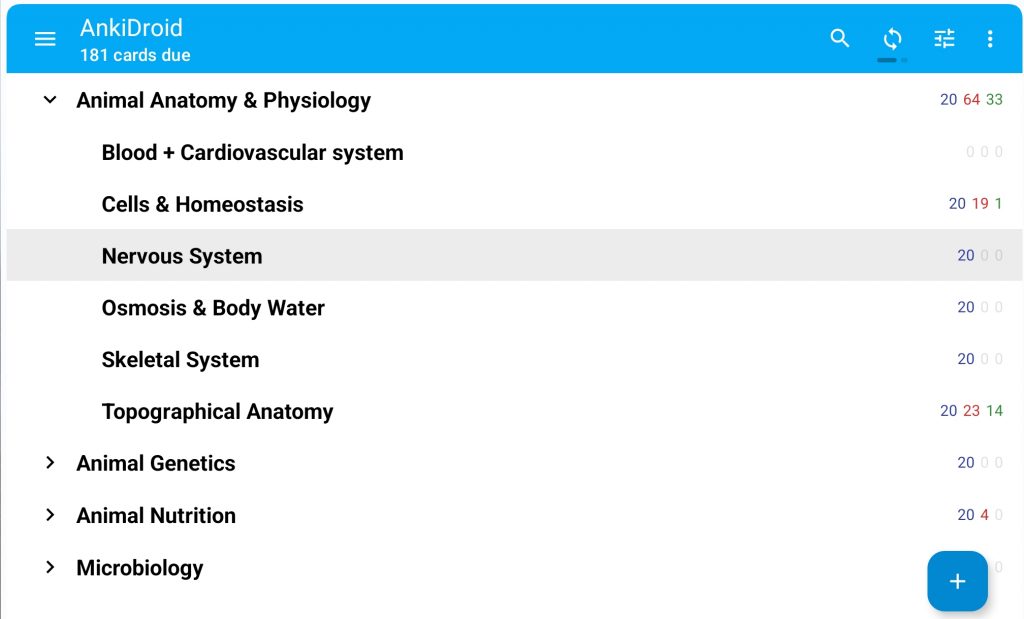
🔁 4. Anki
Anki is hands-down one of the best tools for memorising content, especially if your degree involves learning definitions, processes, or terminology (hello, science students).
It uses spaced repetition, so it quizzes you more often on the stuff you forget, and less on what you already know. It takes some time to build your flashcard decks, but it’s worth it for long-term memory retention.
Tip: If you have practice quizzes or revision questions, making flaschards on them will help you to remember the content that you will be tested on.
✍️ 5. Samsung Notes (or other equivalent)
If you’re a handwritten note-taker (especially with a tablet or stylus), Samsung Notes is a solid go-to. I download my lecture slides and add them to enable me to draw/take notes on the slides, jot quick ideas, or scribble study notes during lectures. You can organise notes by subject folders, use different pen styles and colours, and even convert handwriting to text if needed.
📄 6. Microsoft Word
No surprise here—Word is still one of the best tools for writing assignments. Scared you’ll lose your assignment? Don’t worry, once logged in you can store your documents to the cloud, so you always have a backup wherever you are (just log in on any device with internet)! Plus, Charles Sturt gives you free access to Microsoft 365, so there’s no excuse not to use it.
⏳ 7. Pomodoro Timer
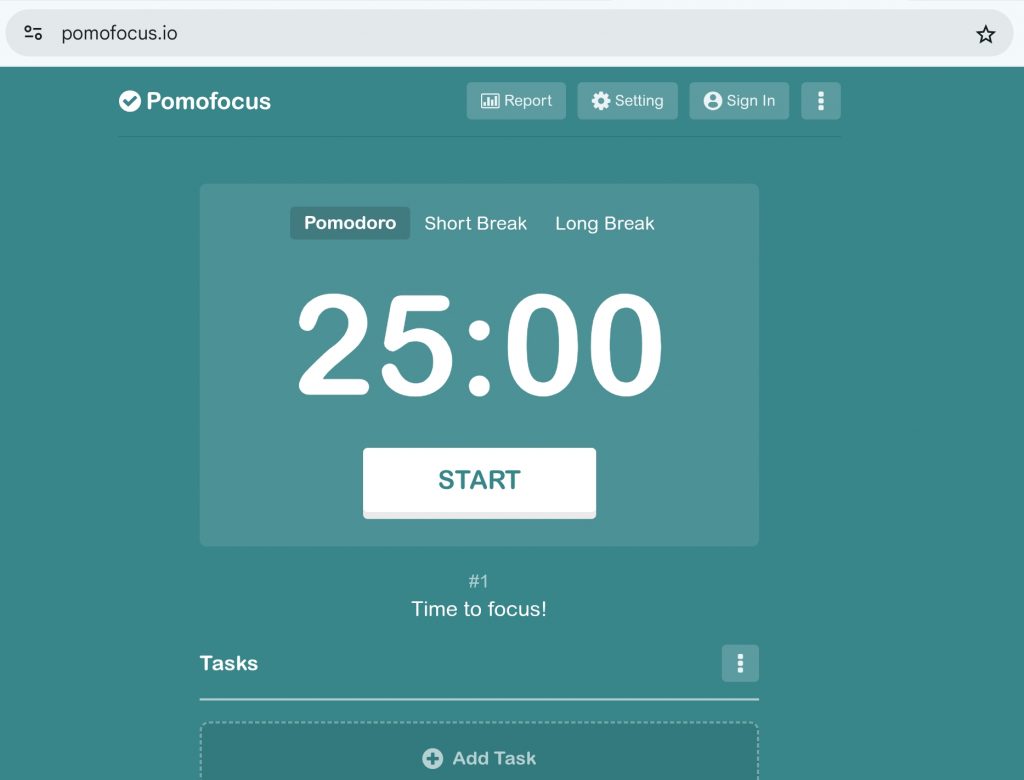
When I really need to focus, the Pomodoro method is my go-to. I work for 25 minutes, then take a 5-minute break. After four sessions, I take a longer 15 to 30 minute break where I grab a snack, take a quick walk or just enjoy the rest. There are heaps of Pomodoro apps, websites and even Youtube videos, but even a simple timer works. It helps me avoid burnout and makes big study sessions feel more manageable.
Tip: It also trains your brain to work in short bursts of deep focus—perfect for procrastinators.
No app can do your degree for you, but with the right tools, you might just find yourself stressing less, focusing more, and maybe even enjoying the ride.
Charlie blog is a SSAF funded initiative.