
Written by Luke Gibson
Unless you have the good fortune to be head hunted, or you’re in the very rare position of working at a job which occupies your entire working life, there’s an inevitability you’ll have to construct a resume.
These days you can pay someone to do it for you, or tap into innumerable types of bots to construct something that may or may not get you the job. But in order to truly personalise your very own resume, here are some tips.
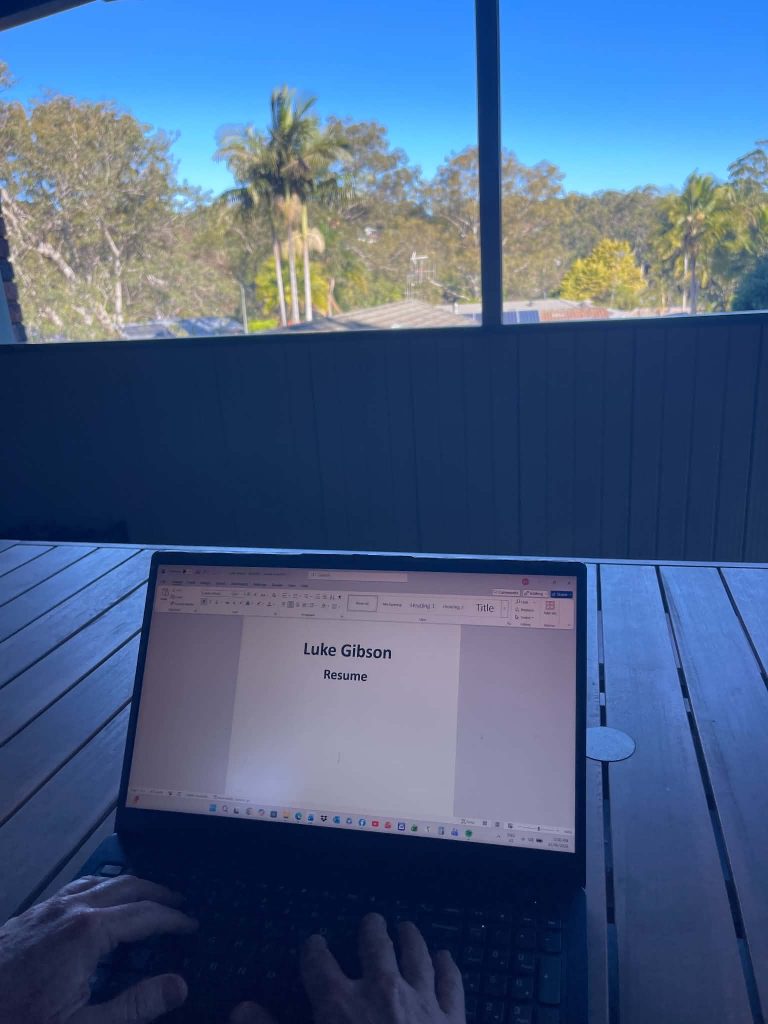
A strong resume will highlight your experience, skills and life achievements within a succinct, custom designed format that matches any role you are looking to apply for. Here are some key steps:
Choose the Right Format
- Chronological: A list of your work experience from the most current to the oldest
- Skills based or functional: Instead of a work history focus, it concentrates on skills
- Combination: A mixture of chronological and skill-based formats
Essential Sections
- Contact details: Name, mobile number, email address, online profiles (like LinkedIn)
- Professional summary: A short explanation which highlights career goals and qualifications
- Work experience: Note appropriate roles, responsibilities and accomplishments
- Education: Degrees, diplomas, certificates and any suitable course attainments
- Skills: Any technical skills and industry specific and role relevant skills
- Optional: Any volunteer work, awards, or special projects
Customise Your Resume to the Role
- Emphasise experiences and skills which match up with the job description
- Tap into key words which may be highlighted under their key selection criteria
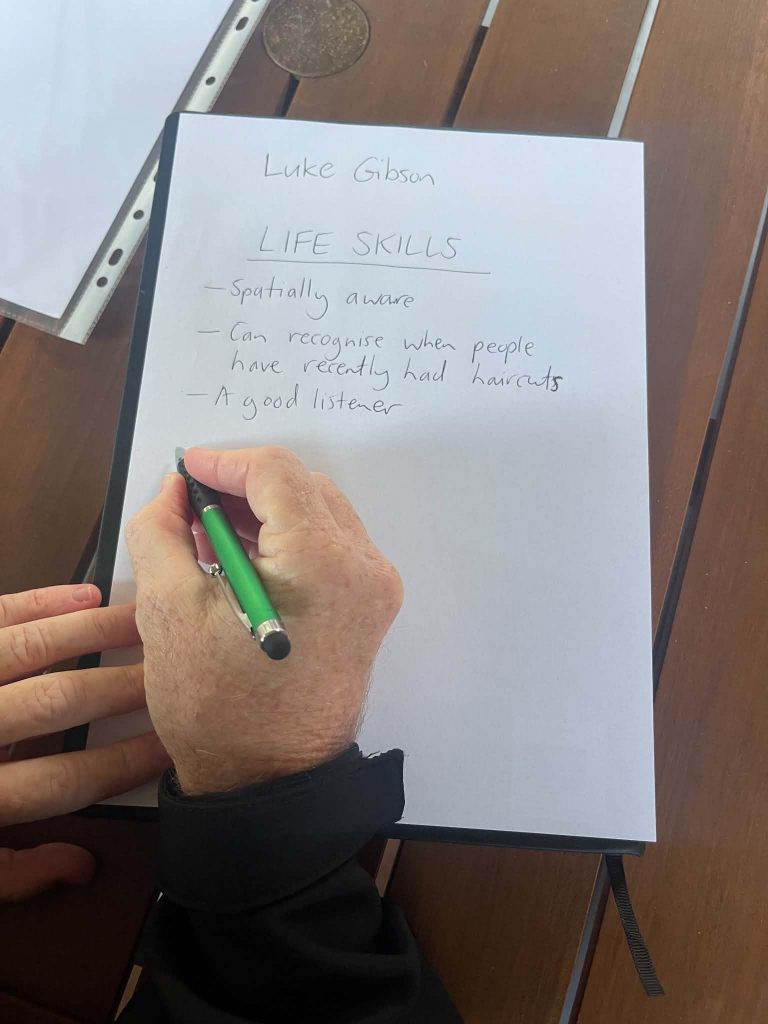
Achievement Focus, Not Just on Duties
- Feature accomplishments which are measurable, instead of generic responsibilities
Keep it Readable and Concise
- Try to limit your resume to just one page (only longer if you have comprehensive experience)
- Avoid including difficult-to-read graphics or images
Use Professional Templates and Tools
- Tap into free templates or resume builders to help with simple formatting and design
- Save your resume to a PDF before submitting
For more help with your resume the Charles Sturt Careers Skills Hub is here for you! Click here for more information.
Charlie blog is a SSAF funded initiative